








Android experiments installation
- 1
Install PostHog Android SDK
RequiredThe best way to install the PostHog Android library is with a build system like Gradle. This ensures you can easily upgrade to the latest versions.
All you need to do is add the
posthog-androidmodule to your App'sbuild.gradleorbuild.gradle.kts:app/build.gradleConfiguration
The best place to initialize the client is in your
Applicationsubclass.Kotlin - 2
Capture conversion event
RequiredOnce PostHog is initialized, you should be able to capture events. For your experiment to be meaningful, we need to capture an event that we want to measure, such as a conversion event.
For this tutorial, we can track a simple button click on a CTA as a conversion event.
Kotlin - 3
Create an experiment
RequiredGo to the Experiments tab in the PostHog app and click on the New experiment button in the top right.
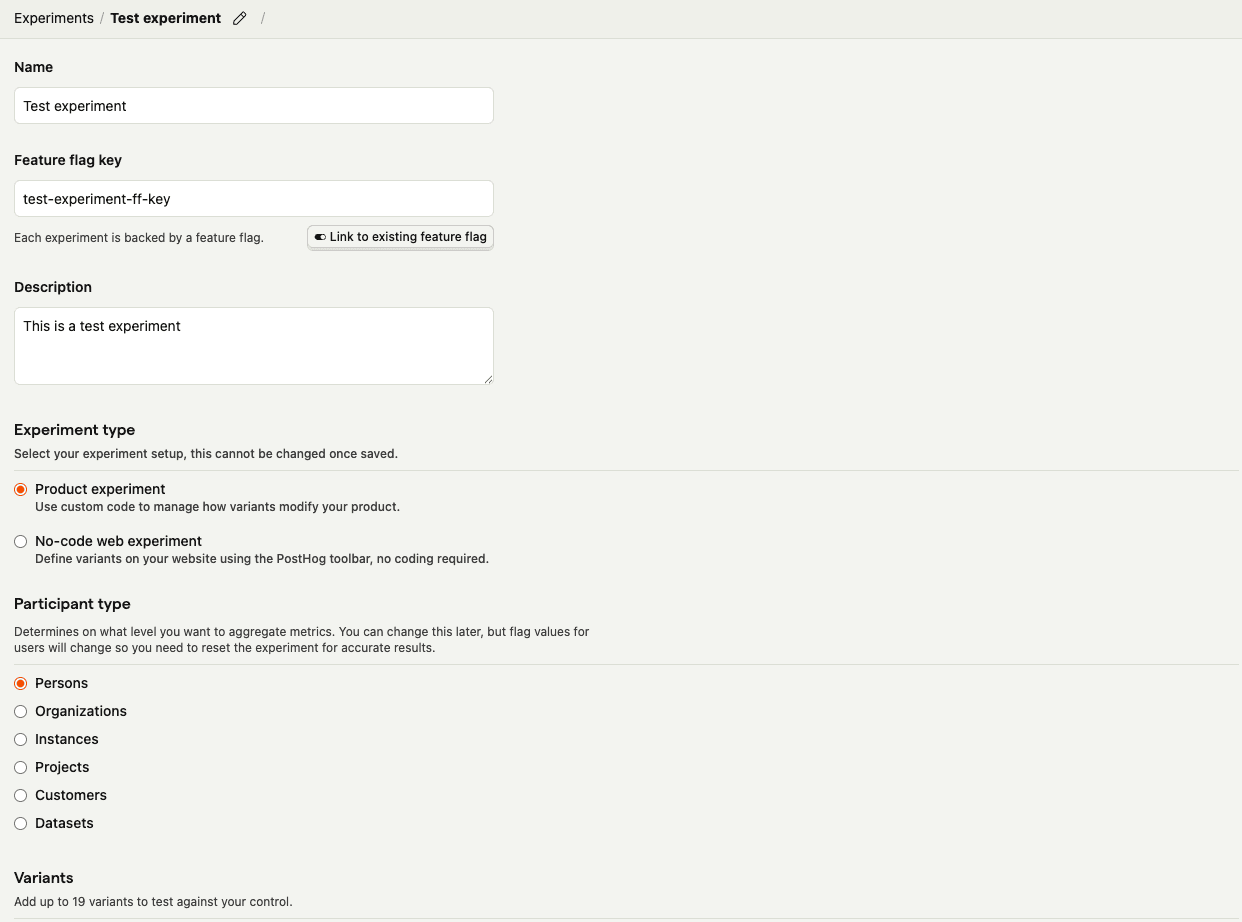
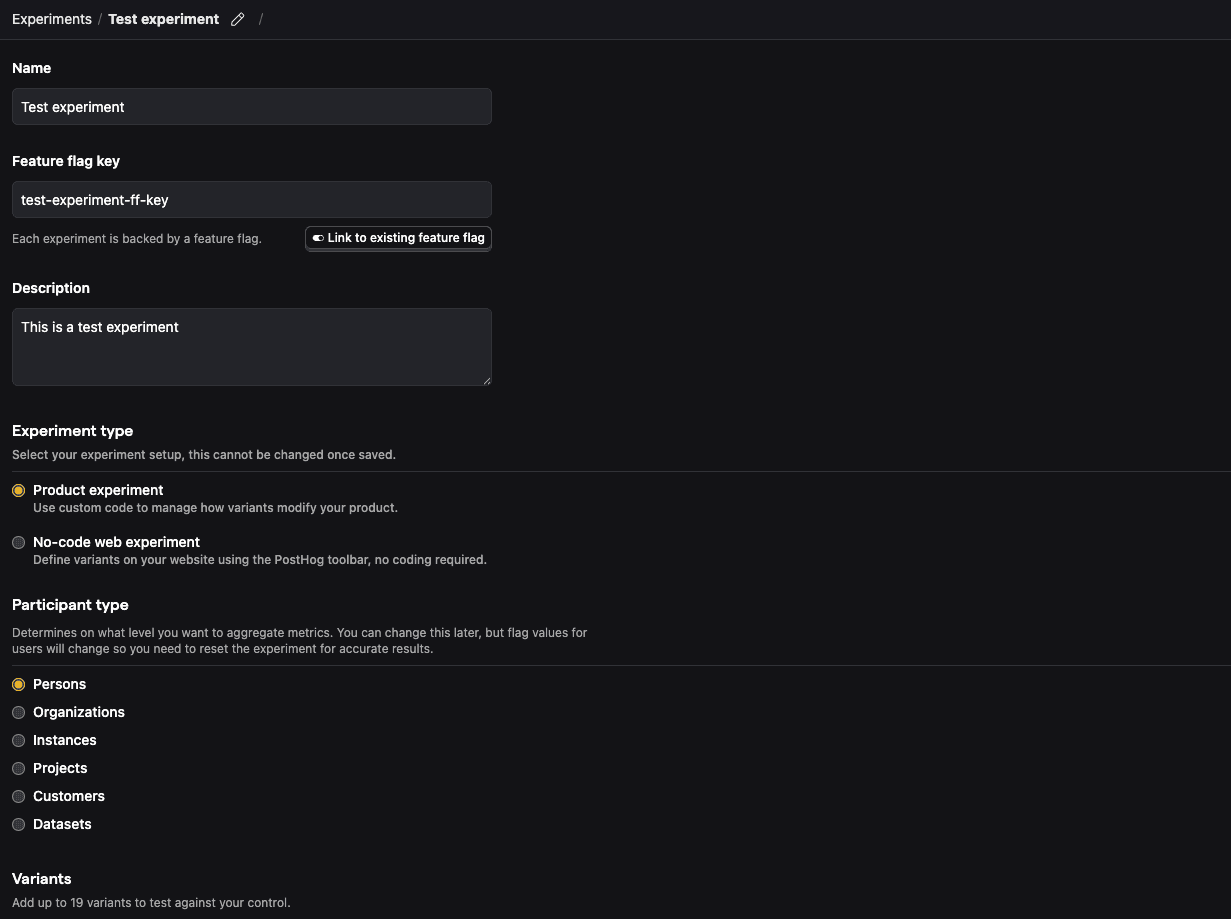
For this tutorial, let's create a new experiment using simplified test values:
- Name: "Test experiment"
- Description: "This is a test experiment"
- Feature flag key: "test-experiment-ff-key"
- Experiment type: "Feature flag"
- Variants: "control" and "test"
- Participant type: "Users"
Then click Save as draft.
- 4
Add primary metric and launch
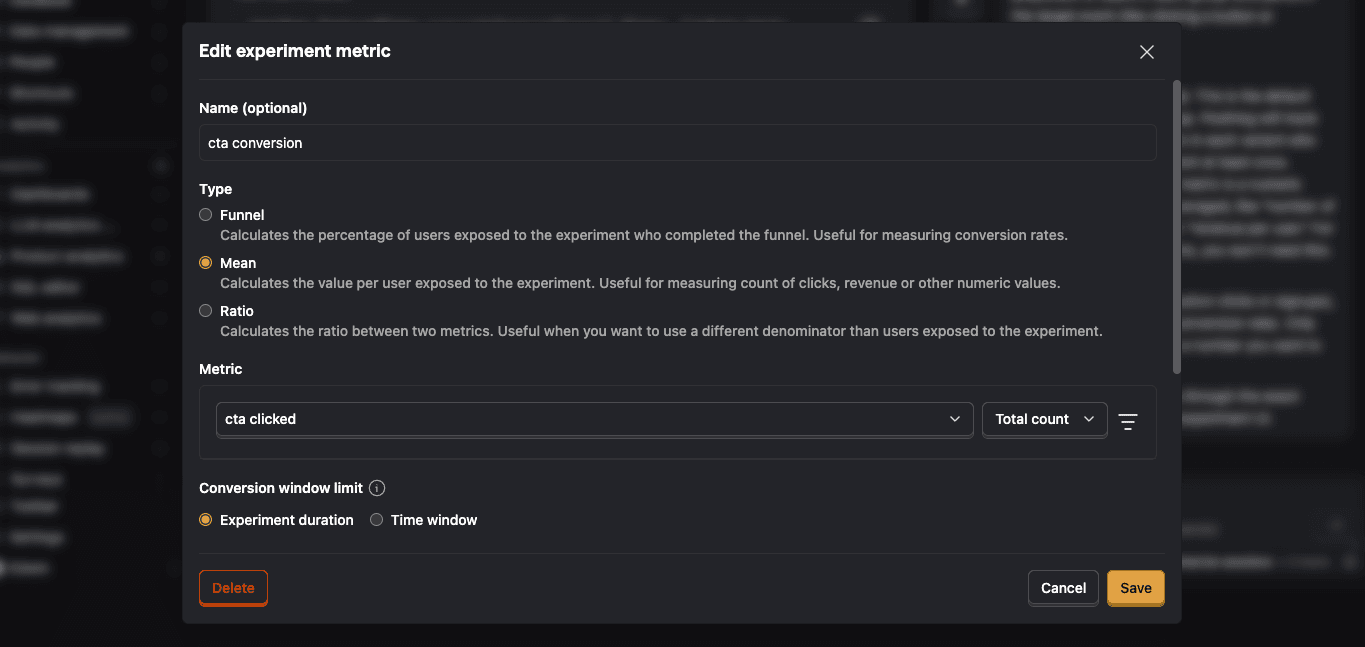
RequiredScroll down to the Primary metrics section and click + Add primary metric.
Choose Single-use and select Type > Mean.
Then search for the event
cta clickedunder Metric and click Save.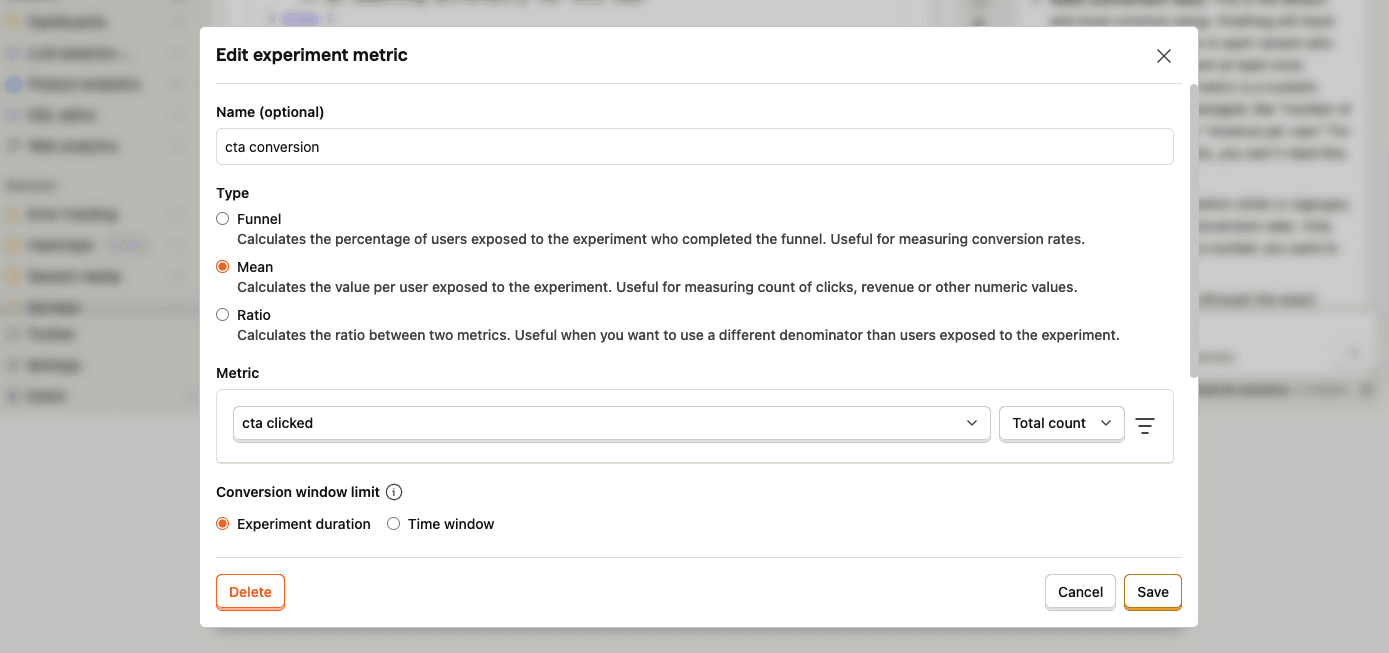
By default, experiments are exposed to 100% of users. You can customize release conditions to expose the experiment to a subset of users.
For this tutorial, we'll ship the experiment to all users and click Launch in the top right.
- 5
Call feature flag
RequiredUse the PostHog SDK to call the experiment flag and update how your app renders based on the assigned variant.
KotlinNow when a user triggers a
cta clickedevent, PostHog automatically assigns the user to a variant and records an experiment exposure.By default, users are split equally between variants. If you want to assign specific users to a specific variant, see more about distribution and release conditions.
- 6
Evaluate experiment results
RecommendedAs you capture more
cta clickedevents, more exposures will populate the primary metrics in your experiment.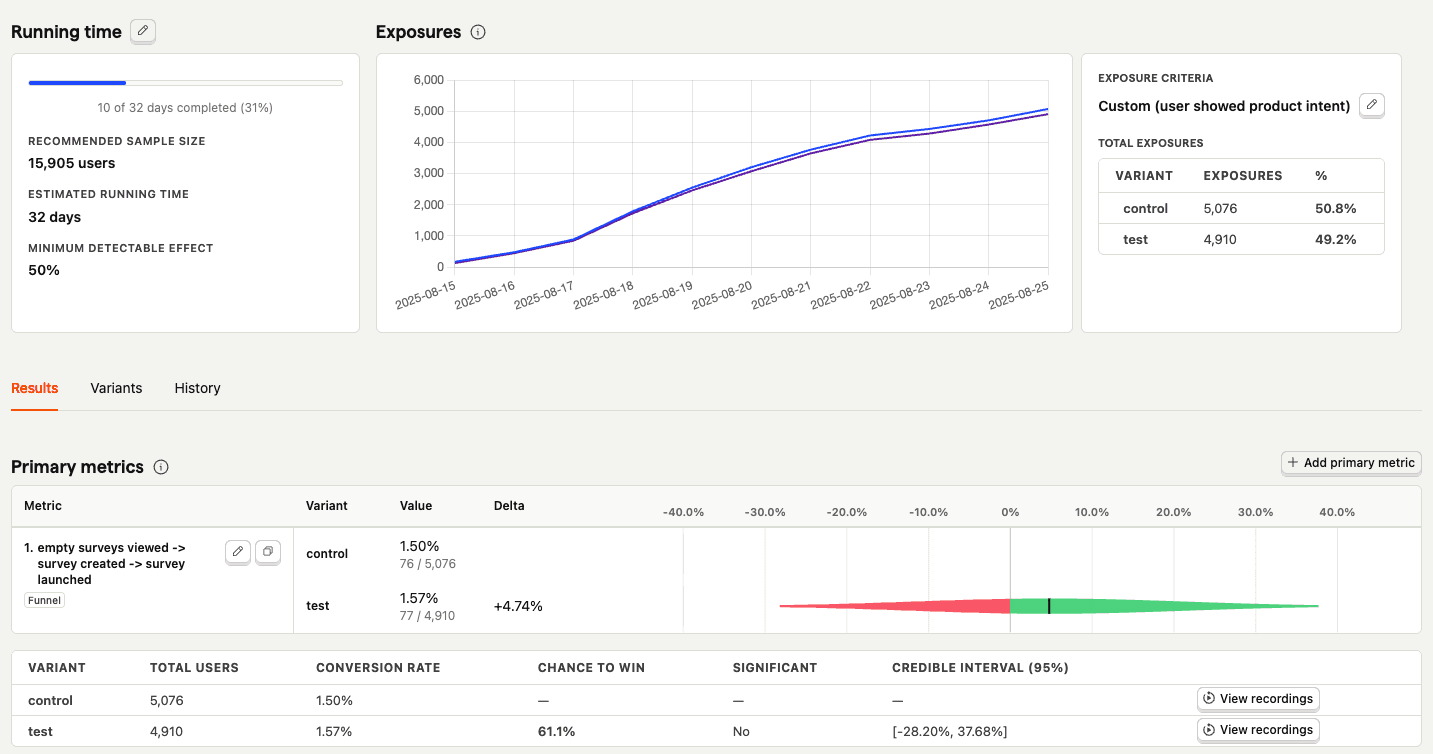
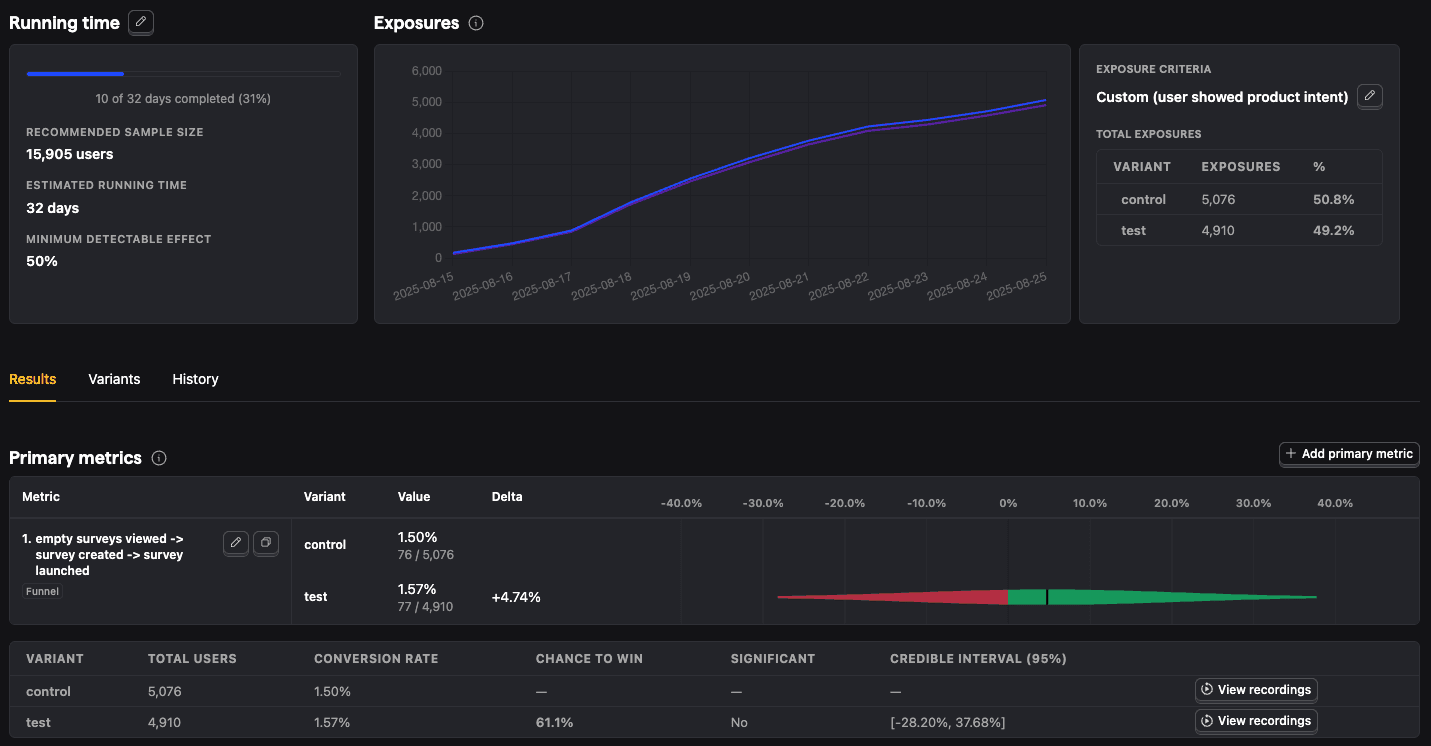
With enough data, you can analyze the experiment and its variants by:
- Conversion rates
- Statistical significance
- Credible intervals
- Chance to win %
- Minimum detectable effect
- And more