








Querying the data warehouse with SQL
Contents
PostHog provides the full flexibility of SQL to query your data warehouse using the SQL editor.
To create a query, go to the SQL editor. Here you can see and search the schema of all available sources and PostHog tables as well as saved views.


Here you can:
- Write your SQL query using your table like
SELECT * FROM stripe.prod.charge - Click Run to see the results.
- Modify your query using SQL commands and functions as needed to get the data you want like
select amount / 100 as dollar_charge, status from stripe.prod.charge.


- Click Create insight.
- Choose and customize your visualization.
- Click Save insight.
PostHog AI can help write SQL for you. Just click the icon in the corner of your screen and ask it to write or tweak your query for you.
SQL visualizations
SQL queries have multiple different visualization options including:
- Table (default)
- Big number
- Line chart
- Bar chart
- Stacked bar chart
- Area chart
By clicking on the Visualization tab below the query, you can customize the X-axis, Y-axis, legend, scale, goal lines, and more. Each visualization type has its own set of customization options.
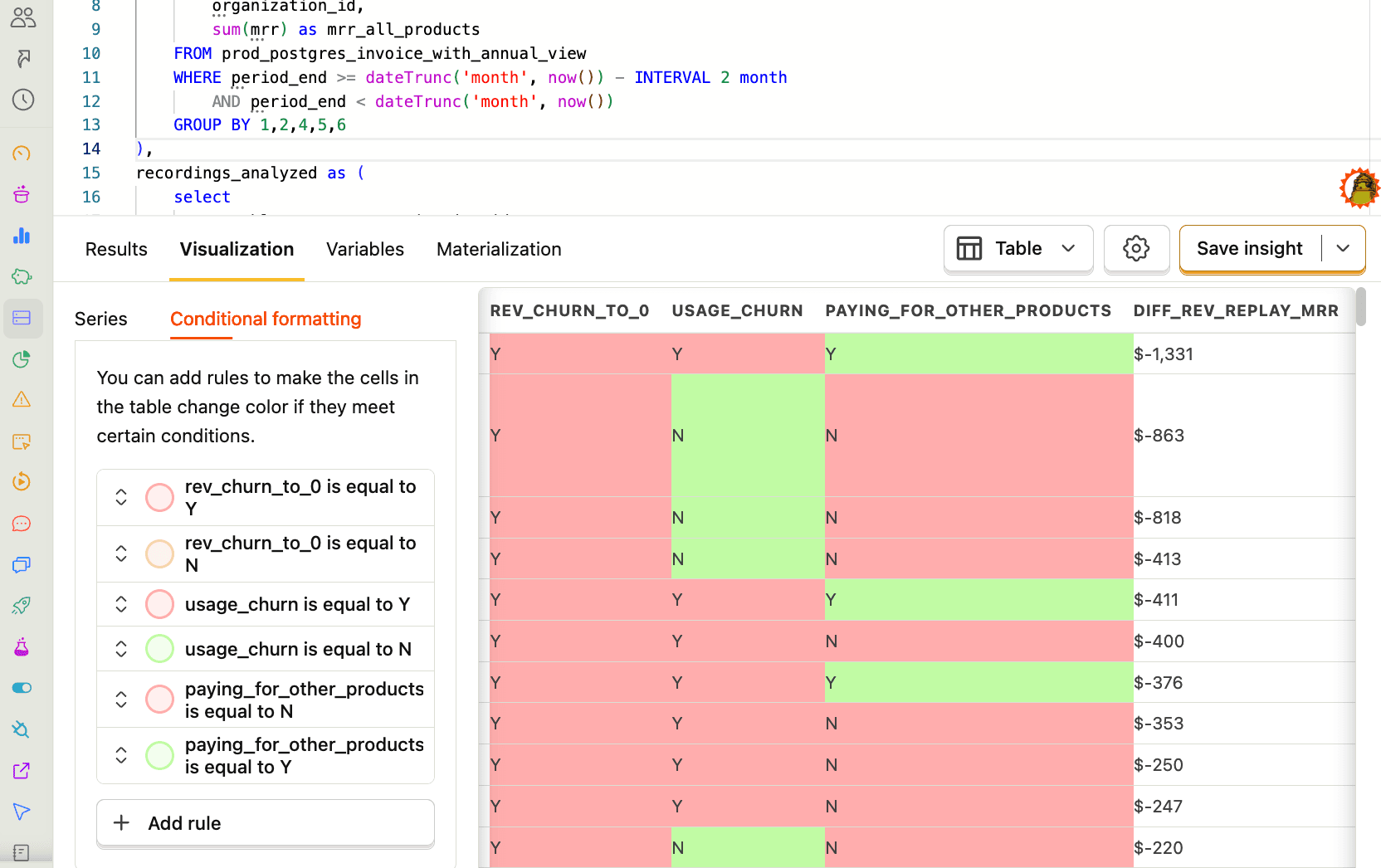
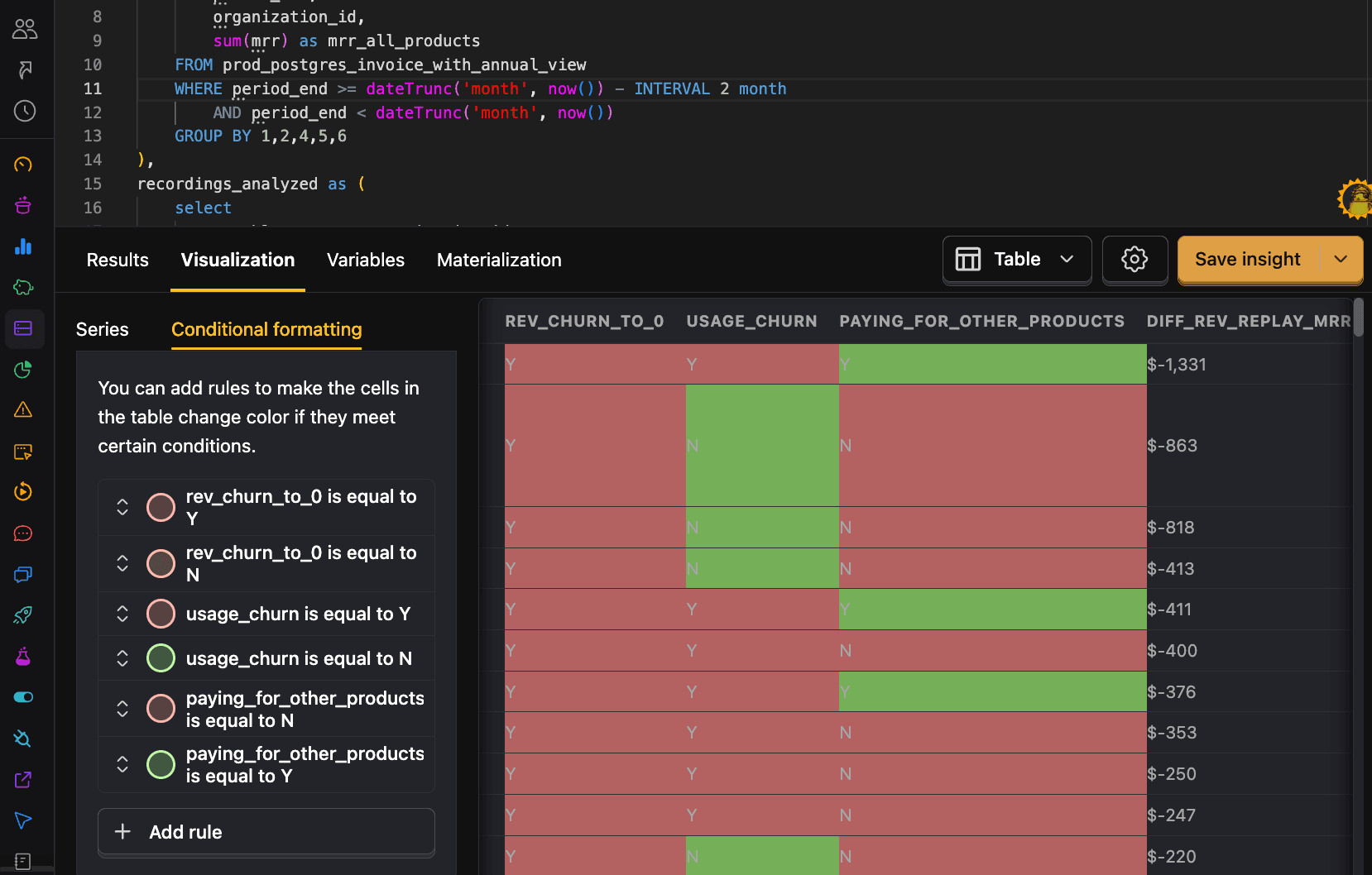
For example, with tables, you can add conditional formatting rules. These enable you to highlight cells based on their value and are set up in the Conditional formatting tab.
Querying multiple sources together
Much of the power of the data warehouse comes from combining multiple sources, like your Stripe or Hubspot data with your product analytics data. Two of the easiest ways of doing this are WHERE IN and JOIN SQL commands.
For example, to get a count of events for your Hubspot contacts you can filter events.distinct_id by email FROM hubspot_contacts like this:
You can also use a JOIN such as INNER JOIN or LEFT JOIN to combine data. For example, to get a count of events for your Stripe customers you can INNER JOIN on distinct_id and email like this:
To learn more about joining data, see our guide on joining data.
Query execution details
After running a query, execution details can help you understand the resource usage and execution time:
- Memory usage: Total memory consumed by the query
- Data read: Total amount of data read by the query
- CPU time: Processing time used by the CPU
- Duration: Duration of query execution in ClickHouse
Hover over Execution details to see additional information about how the query was executed.


These metrics are helpful for optimizing queries, especially when working with large datasets or complex joins. As you develop and change your query, keep an eye on the impact of your changes on the metrics. Seeing a spike in bytes read might prompt you to use a more selective filter.
Optimizing queries
When writing custom queries, the burden of performance falls onto you. PostHog handles performance for queries we own (for example, in product analytics insights and experiments, etc.), but because performance depends on how queries are structured and written, we can't optimize them for you. Large data sets particularly require extra careful attention to performance.
Here is some advice for making sure your queries are quick and don't read over too much data (which can increase costs):
1. Use shorter time ranges
You should almost always include a time range in your queries, and the shorter the better. There are a variety of SQL features to help you do this including now(), INTERVAL, and dateDiff. See more about these in our SQL docs.
2. Materialize a view for the data you need
The data warehouse enables you to save and materialize views of your data. This means that the view is precomputed, which can significantly improve query performance.
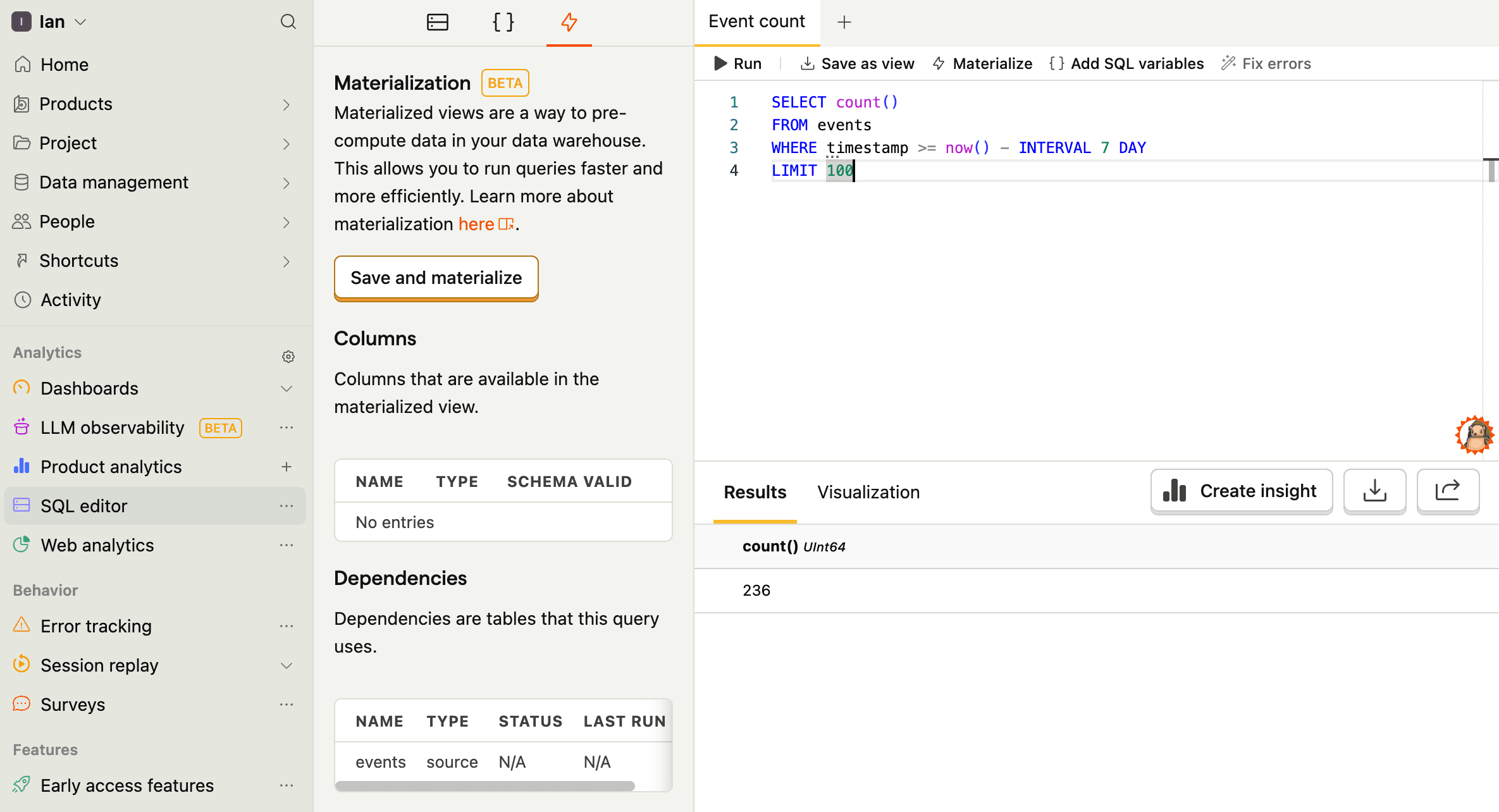
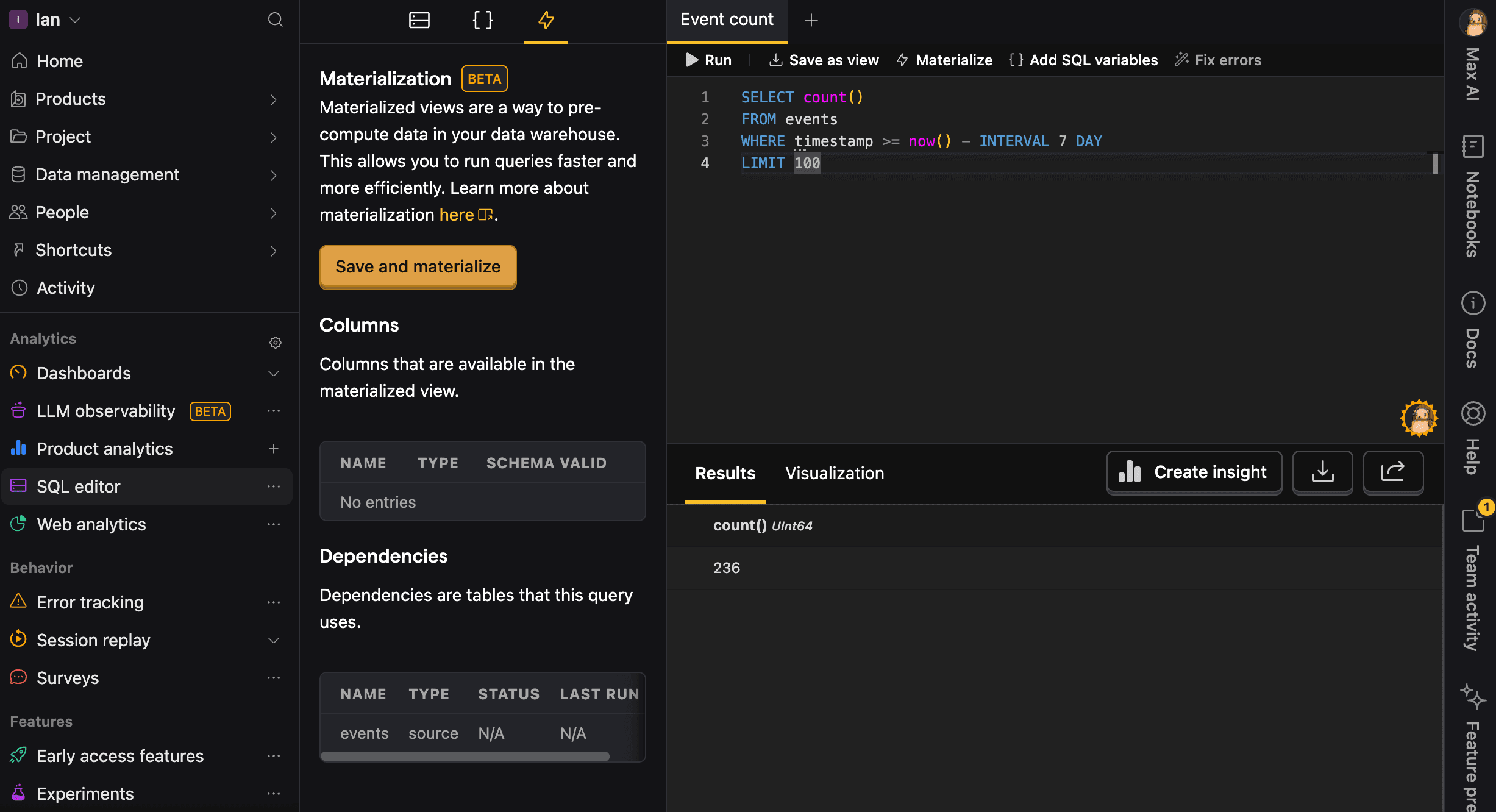
To do this, write your query in the SQL editor, click Materialize, then Save and materialize, and give it a name without spaces (I chose mat_event_count). You can also schedule to update the view at a specific interval.
Once done, you can query the view like any other table.
3. Don't scan the same table multiple times
Reading a large table like events or persons more than once in the same query multiplies the work PostHog has to do (more I/O, more CPU, more memory). For example, this query is inefficient:
Instead, pull the rows you need once and save it as a materialized view. You can then query from that materialized view in all the other steps.
Start by saving this materialized view, e.g. as base_events:
You can then query from base_events in your main query, which avoids scanning the raw events table multiple times:
4. Name your queries for easier debugging
Always provide a meaningful name parameter for your queries. This helps you:
- Identify slow or problematic queries in the
query_logtable - Analyze query performance patterns over time
- Debug issues more efficiently
- Track resource usage by query type
Good query names are descriptive and include the purpose:
daily_active_users_last_7_daysfunnel_signup_to_activationrevenue_by_country_monthly
Bad names are generic and vague:
query1testdata
5. Use timestamp-based pagination instead of OFFSET
When querying large datasets like events or query_log over multiple batches, avoid using OFFSET for pagination. Instead, use timestamp-based pagination, which is much more efficient and scales better.
❌ Inefficient approach using OFFSET:
✅ Efficient approach using timestamp pagination:
This approach is more efficient because:
- Constant performance: Each query executes in similar time regardless of how many rows you've already retrieved
- Index-friendly: Uses the timestamp index effectively for filtering
- Scalable: Performance doesn't degrade as you paginate through millions of rows
For geeks: OFFSET-based pagination gets progressively slower because the database must scan and skip all the offset rows for each query. With timestamp-based pagination, the database uses the timestamp index to directly jump to the right starting point, maintaining consistent performance across all pages.
6. Other SQL optimizations
Options 1-5 make the most difference, but other generic SQL optimizations work too. See our SQL docs for commands, useful functions, and more to help you with this.